




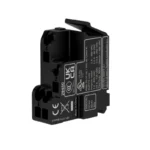
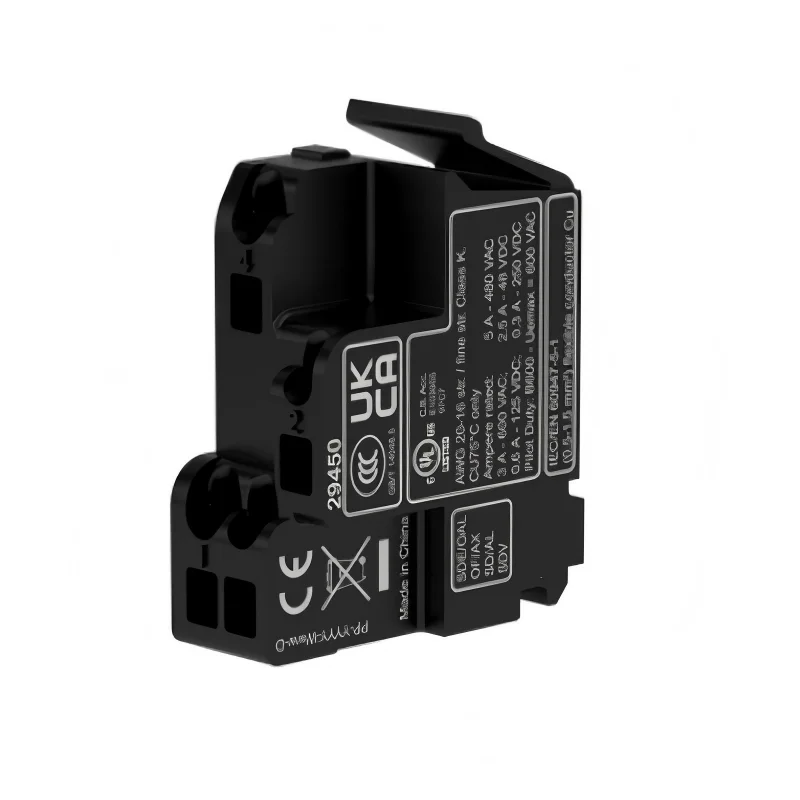
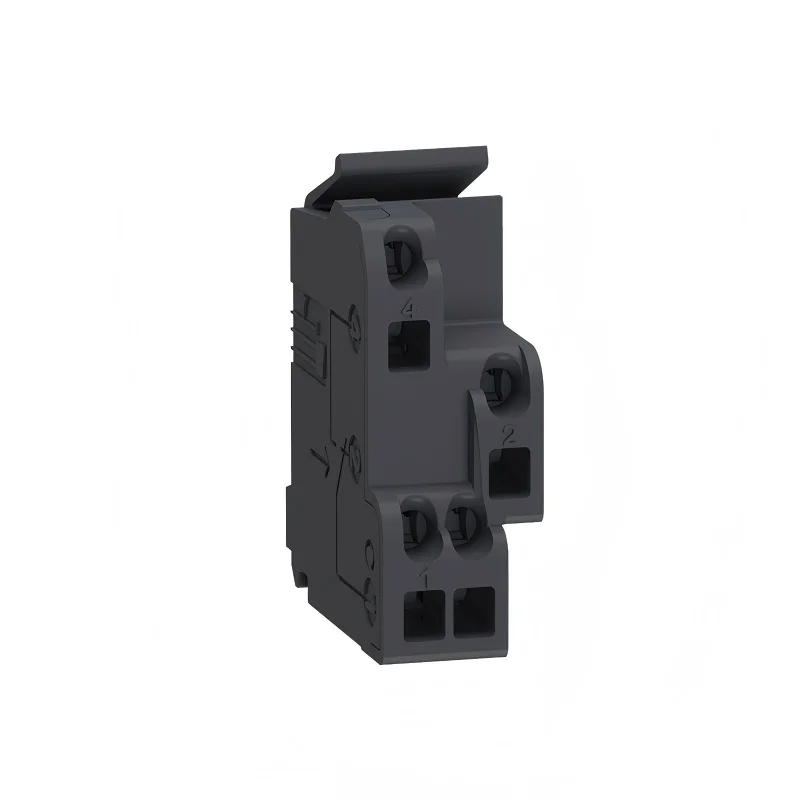
Description
Auxiliary contacts are mechanical contacts within switching electrical appliances (such as circuit breakers and AC contactors). They are widely used in low – voltage power distribution systems, industrial automation, and intelligent control fields, serving to transmit control signals and provide status feedback. Their core functions are as follows
Signal Transmission: By means of the closed or open state of the contacts, they send the operating status signals of the equipment (such as the on – off state of the circuit breaker) to external control systems (such as PLCs and relays).
Interlocking Control: They implement the self – locking and inter – locking logic of electrical equipment, ensuring the safety of the operating sequence (for example, preventing the reverse rotation of a motor).
Remote Monitoring: In conjunction with sensors or communication modules, they provide real – time feedback on the operating status of the equipment (such as fault alarms and power supply switching).
| Parameter | Typical Value |
| Rated Voltage | AC 230V/400V, DC 24V–250V (in accordance with GB 14048.4/IEC 60947 – 5 – 1) |
| Rated Current | ≤0.95A under AC – 15 category, ≤0.15A under DC – 13 category (load – bearing capacity of the control circuit) |
| Contact Type | Combinations of normally open (NO) and normally closed (NC), with support for extended configurations (such as 2NO + 2NC) |
SDE(Signal for Fault Trip)
Function and Installation
DE (Signal for Fault Trip): Only indicates fault tripping (such as overload, short – circuit, leakage), and does not respond to manual testing or shunt tripping.
Testing Method
Install the SDE adapter and contacts at the circuit breaker’s tripping position; Open the circuit breaker → Close the circuit breaker → Trigger the orange Trip button or push the Vigi rod (simulating a fault); Use a multimeter to detect the state of the SDE contacts: When tripping occurs, the contacts should reverse (switch between normally open and normally closed); If there is no change, the adapter may be faulty.
Differences from SD/OF Contacts SD contacts: Respond to all tripping situations (including faults and manual operations); OF contacts: Only indicate the on/off state (tripping is regarded as off).